Schema Conversion Tool (SCT)
Content:
Download & Install SCT
Download SCT
- Go to: AWS SCT.
- Download the version suitable for your OS.
- Install following the instructions.
Setup JDBC Drivers
- Download MySQL Connector/J.
- Download PostgreSQL JDBC Driver.
- Copy both
.jarfiles into the SCT drivers directory.
Create SCT Project
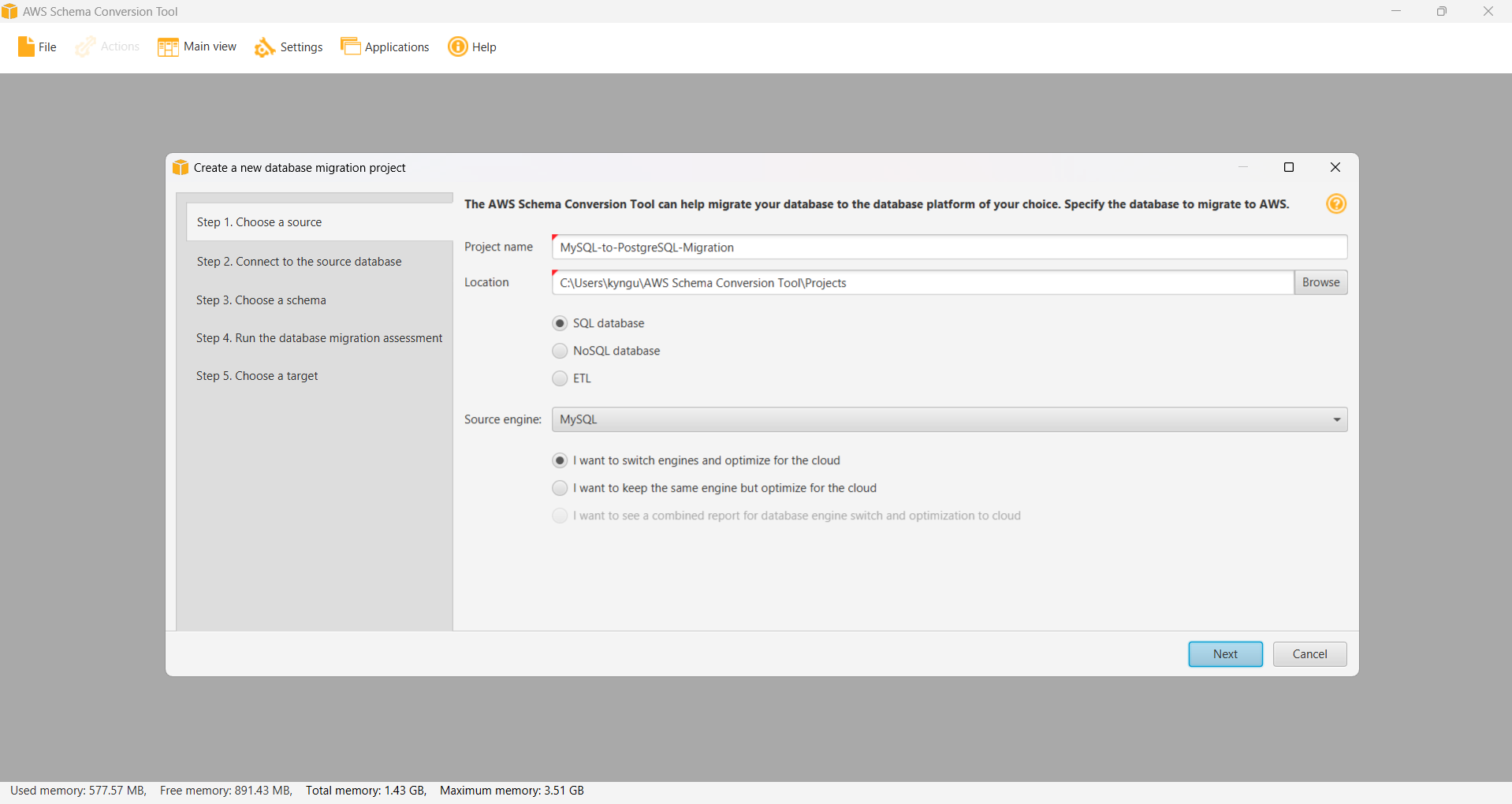
Create a New Project
- Open AWS SCT.
- Go to File > New Project.
- Project name:
MySQL-to-PostgreSQL-Migration - Location: Select a folder to save the project.
- Source database: MySQL
- Target database: PostgreSQL
Connect to Source Database (MySQL)
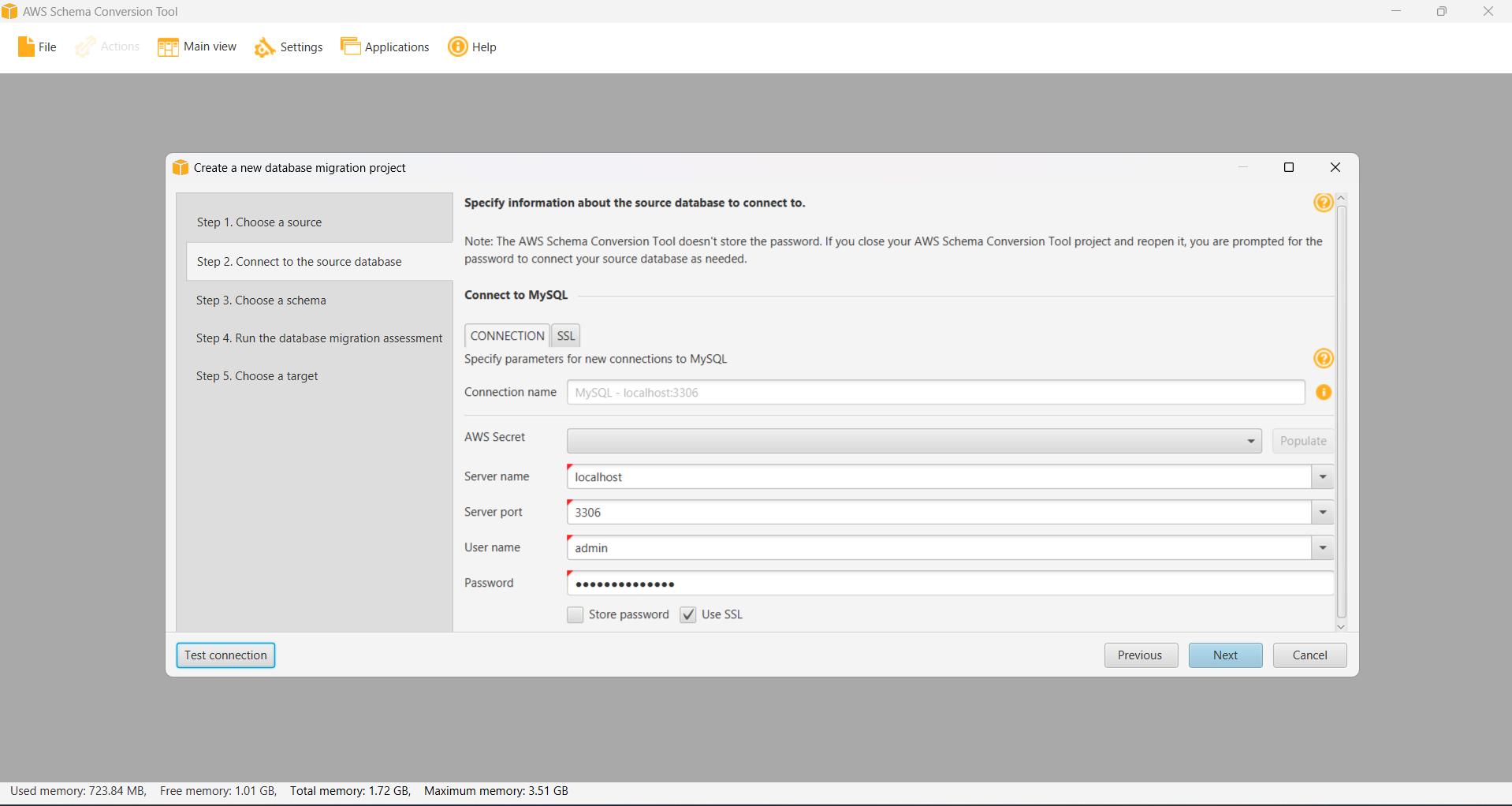
- Right-click MySQL in the source panel.
- Select Connect to MySQL.
- Configuration:
Server name: [SOURCE-MYSQL-ENDPOINT] Server port: 3306 User name: admin Password: MyPassword123! Database: sampledb
Using localhost if you run this cmd line ssh -i migration-key.pem -L 3306: [SOURCE-MYSQL-ENDPOINT]:3306 ec2-user@[EC2 IPv4])
- Click Test Connection → OK if successful.
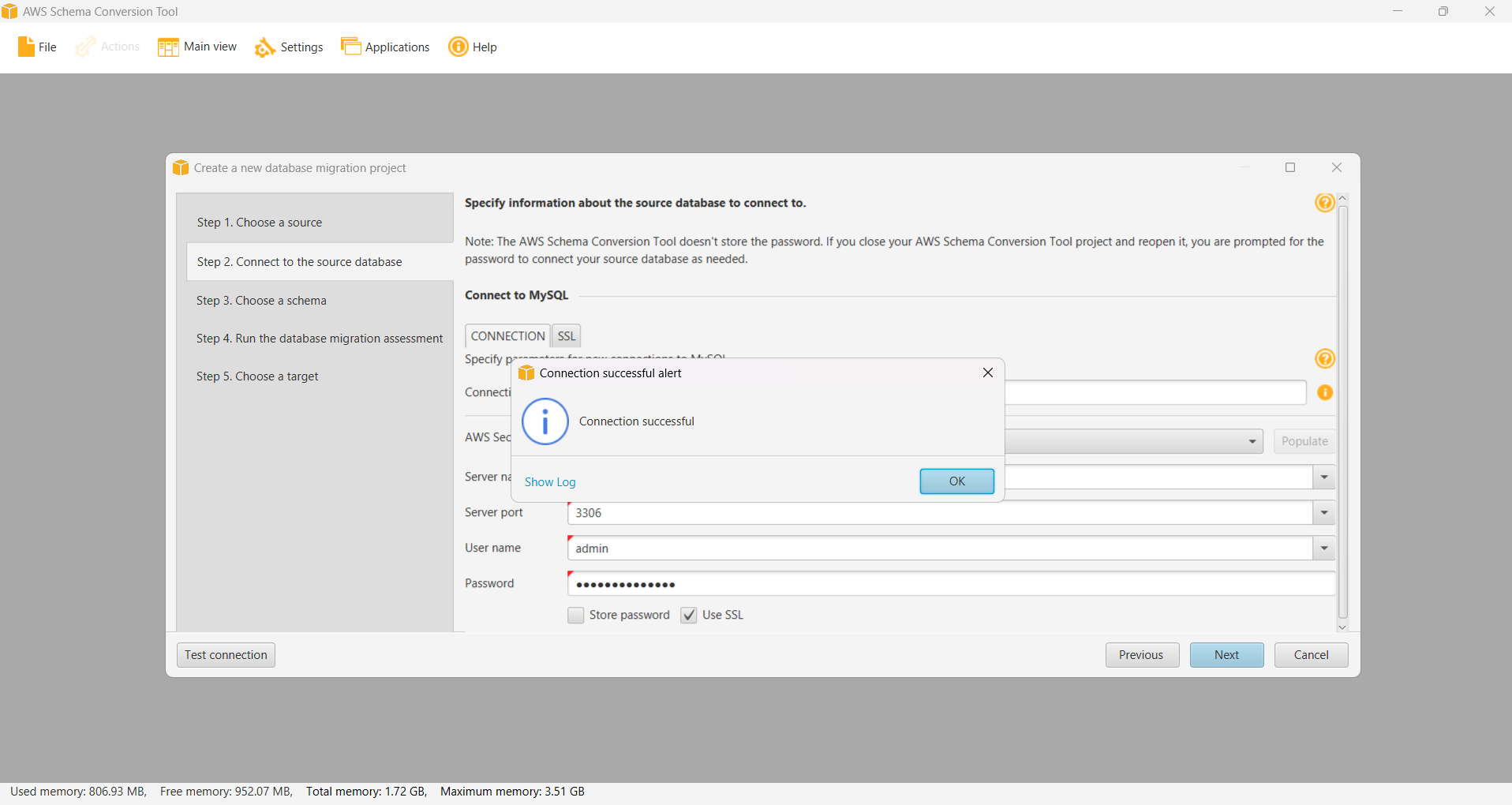
Choose a schema

Connect to Target Database (PostgreSQL)
- Right-click PostgreSQL in the target panel.
- Select Connect to PostgreSQL.
- Configuration:
Server name: [TARGET-POSTGRES-ENDPOINT] Server port: 5432 User name: postgres Password: MyPassword123! Database: targetdb
Using localhost if you run this cmd line ssh -i migration-key.pem -L 5432:[TARGET-POSTGRES-ENDPOINT]:5432 ec2-user@[EC2 IPv4])
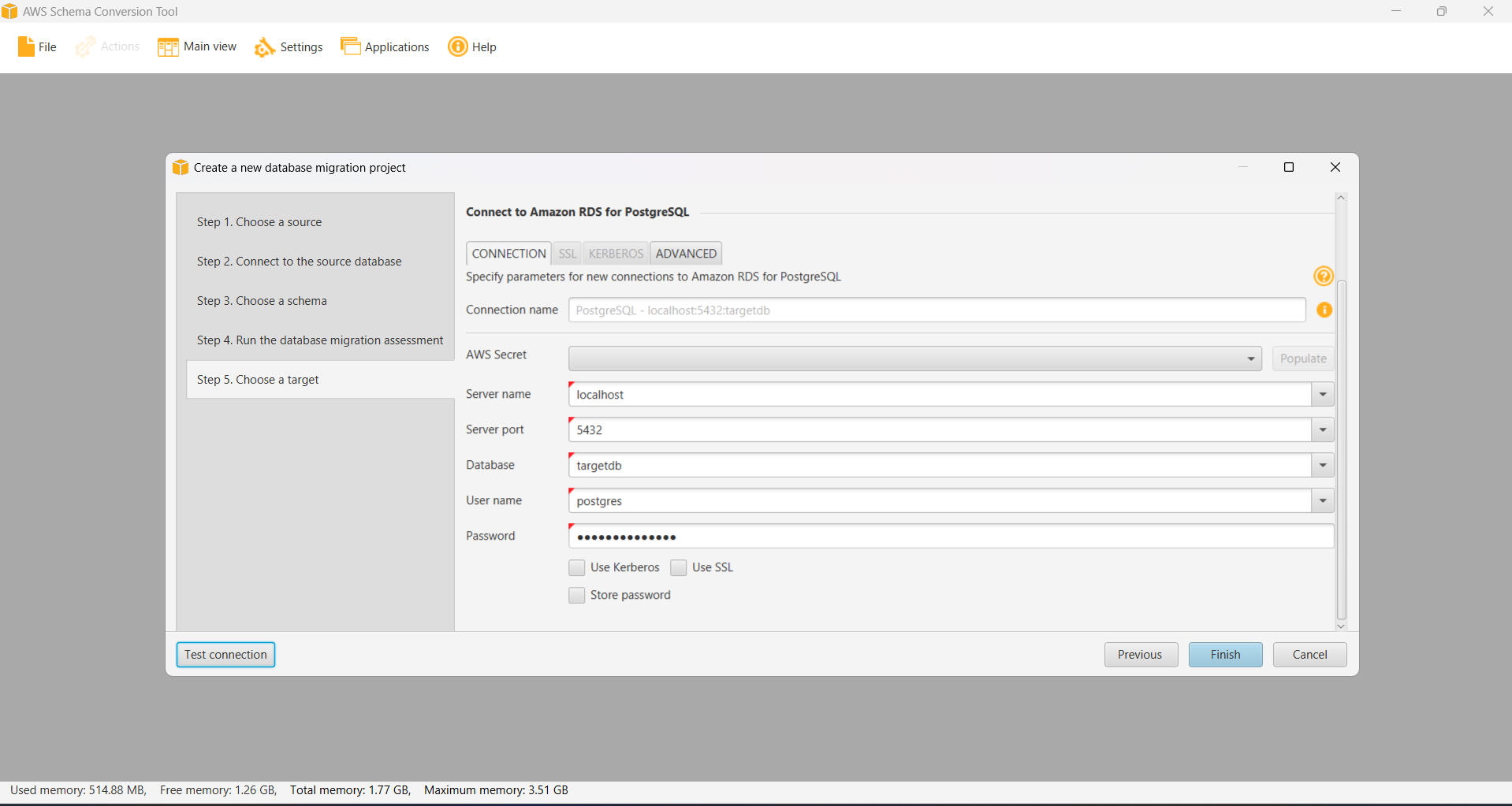
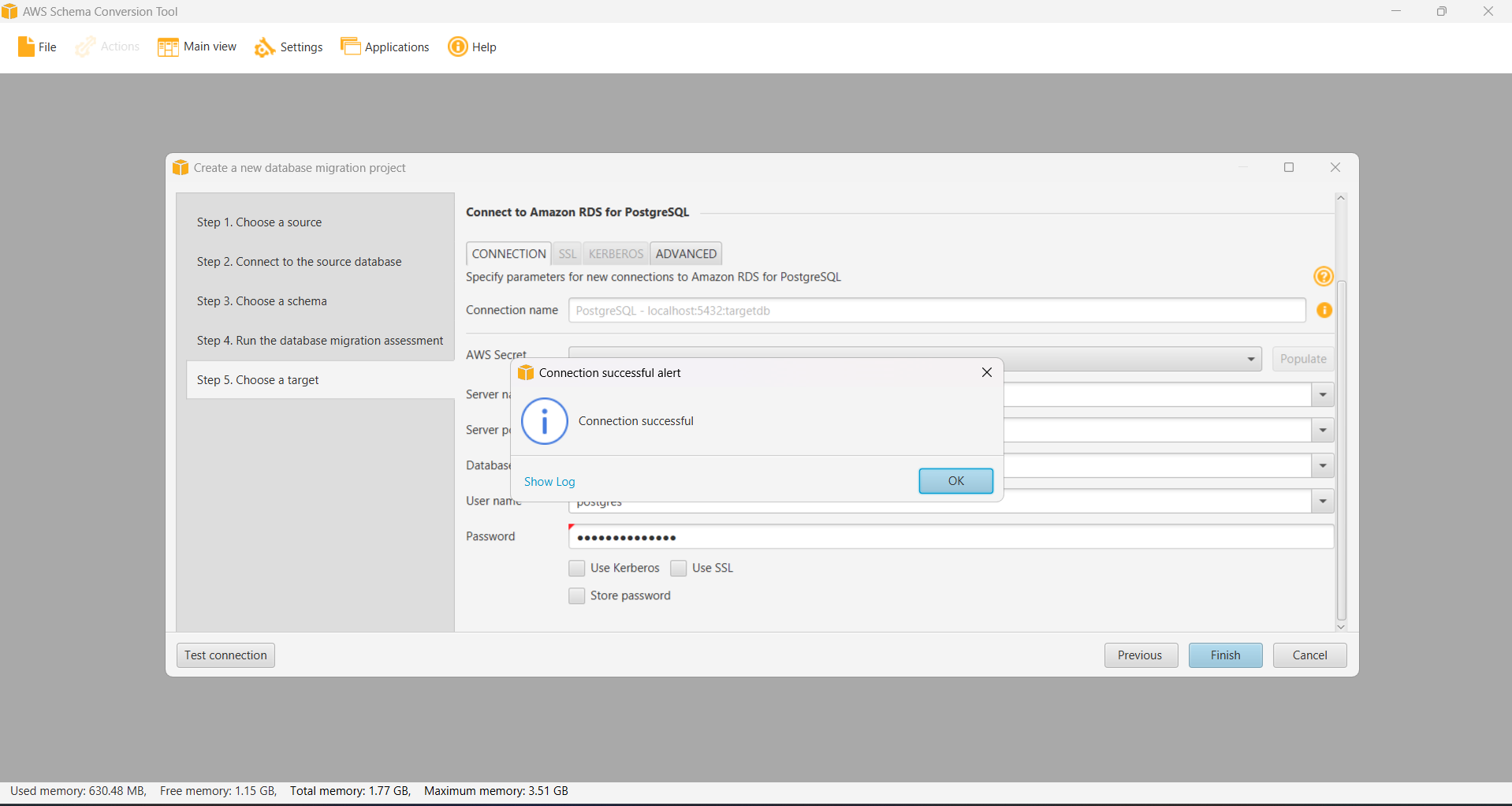
- Click Test Connection → OK.
Schema Analysis & Conversion
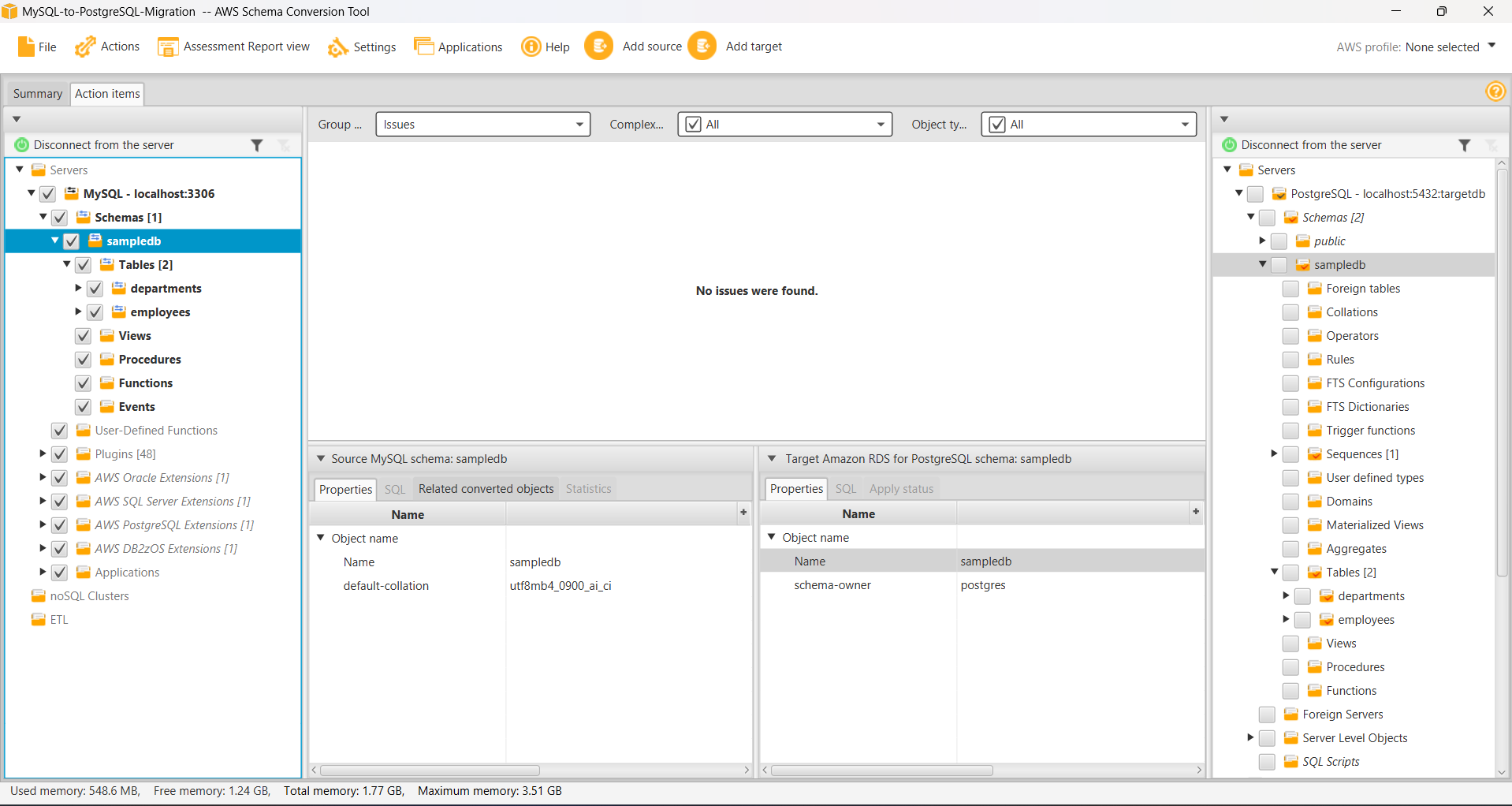
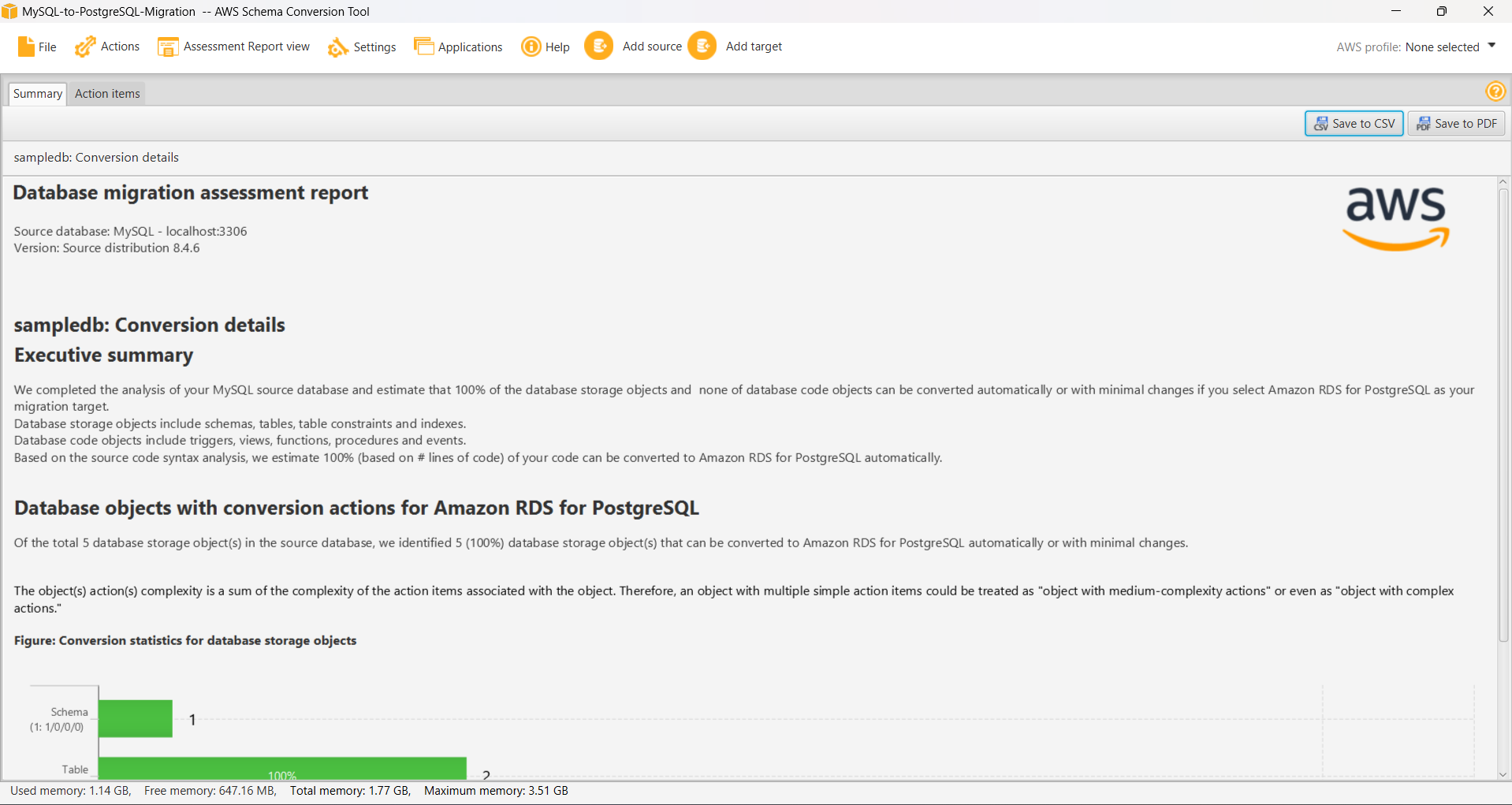
Analyze Source Schema
- Expand sampledb in the source panel.
- Right-click sampledb → Create Report.
- View the results in the Summary tab.

Convert Schema
- Right-click sampledb → Convert Schema.
- Review the converted schema in the target panel.
- Check for warnings/errors.
Apply to Target
- Right-click the converted schema in the target panel.
- Select Apply to database.
- Review the SQL statements.
- Click Apply to database.