Validate Migration
Validate Migration
Connect to Target PostgreSQL
- Open your terminal
- Connect EC2 agian like step 1.7
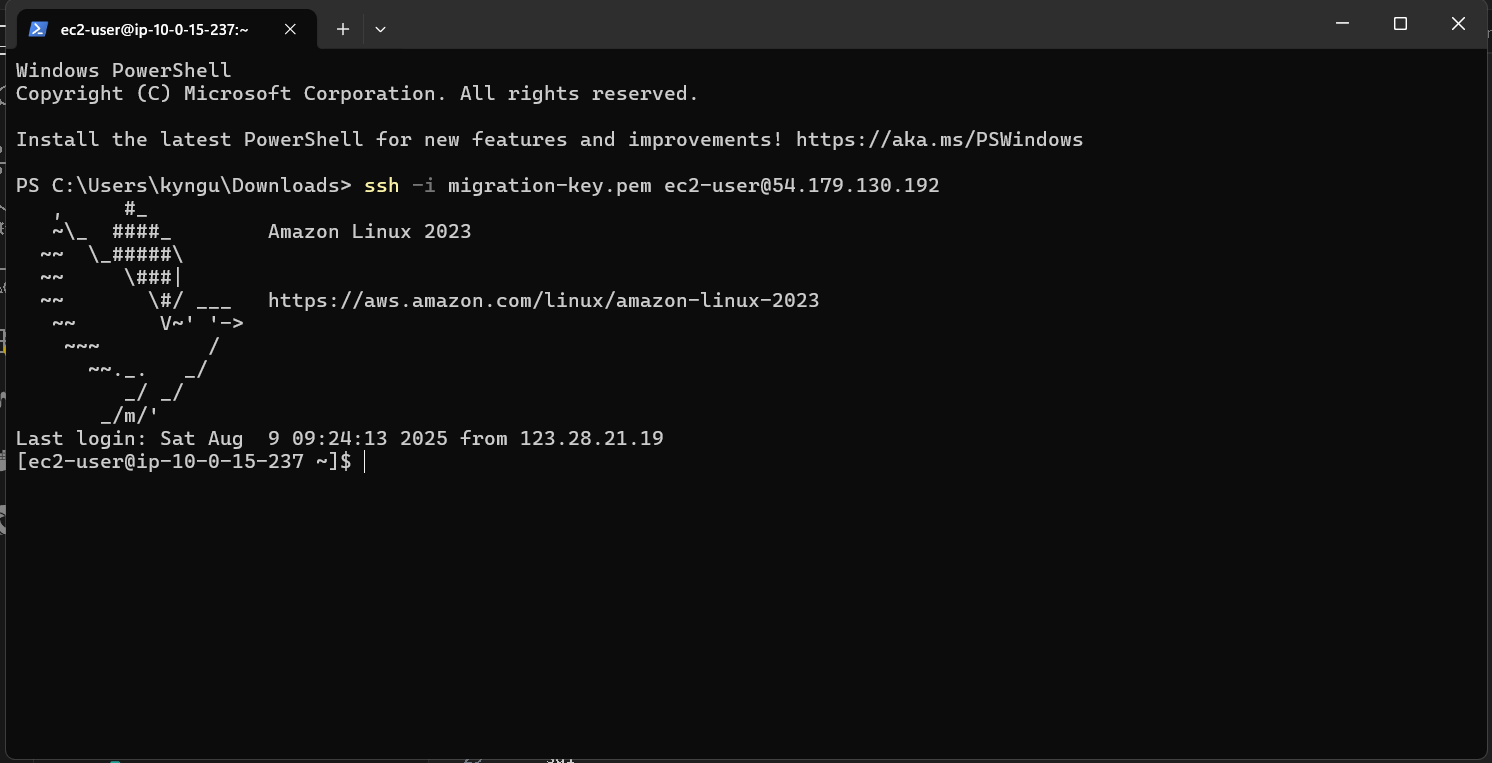
- Install PostgreSQL client:
sudo yum install postgresql15 -y
- Connect to PostgreSQL:
psql -h [TARGET-POSTGRES-ENDPOINT] -U postgres -d targetdb
Enter password: MyPassword123!
Verify Migrated Data
- Run this line
\dt
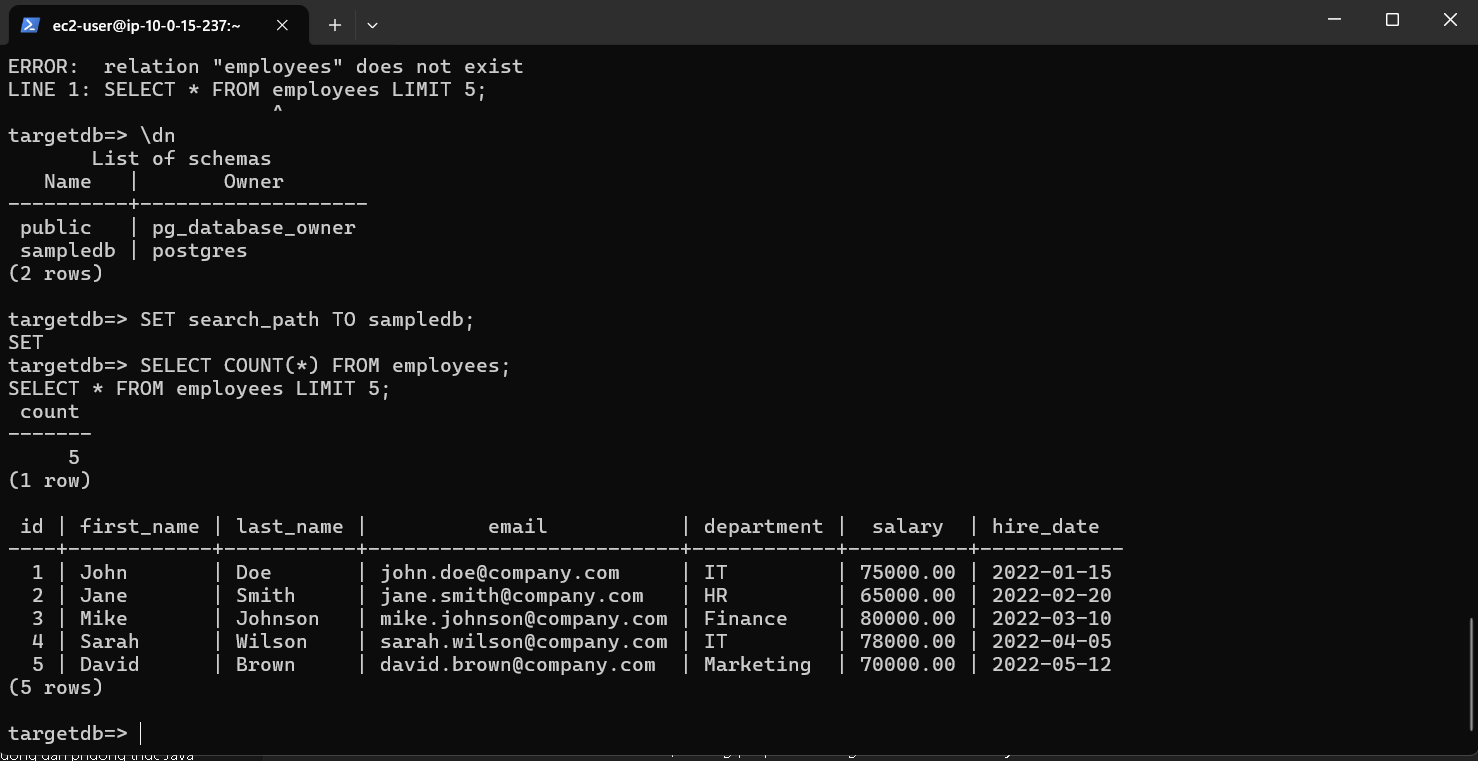
SELECT COUNT() FROM employees;
SELECT * FROM employees LIMIT 5;
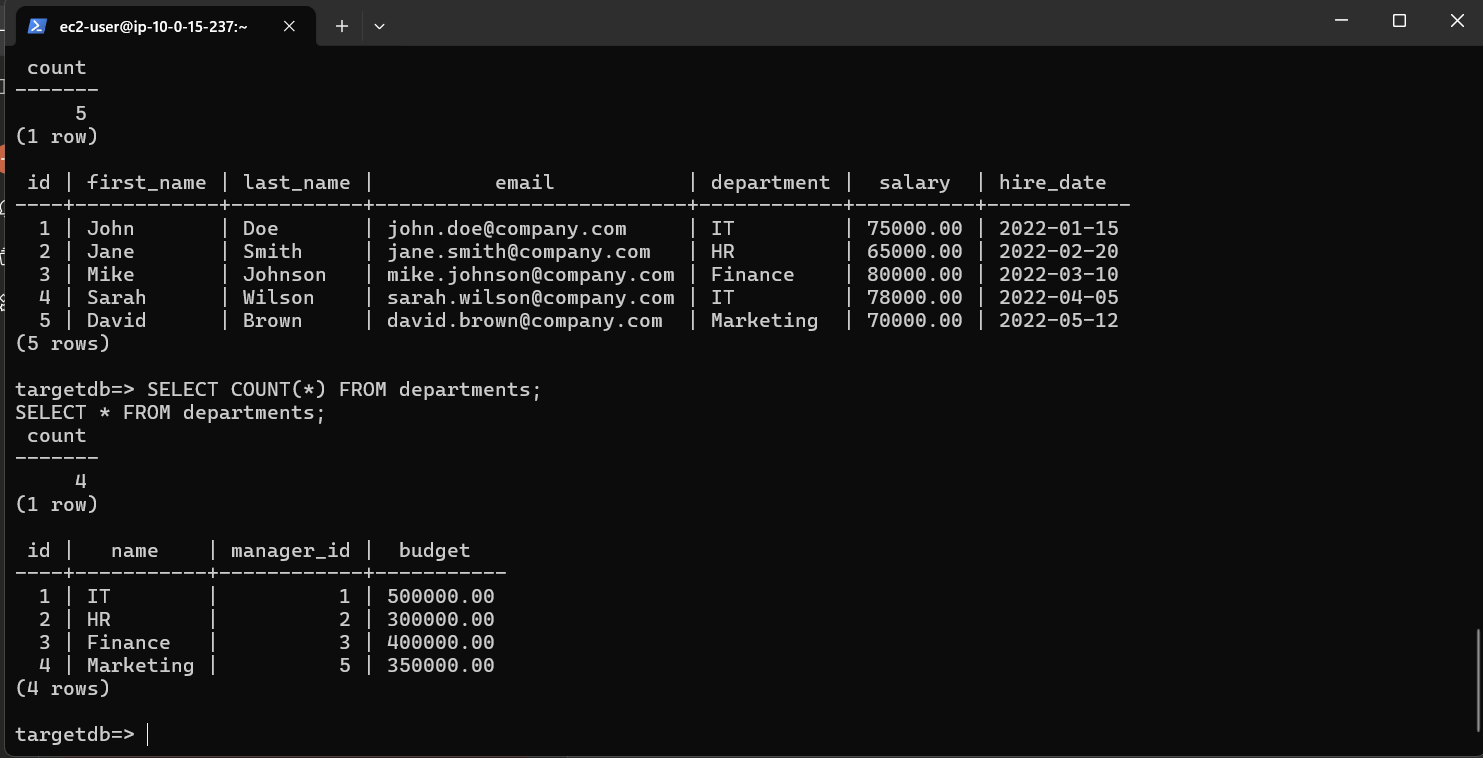
SELECT COUNT() FROM departments;
SELECT * FROM departments;
\d employees
\d departments
- Result:
Test CDC (Change Data Capture)
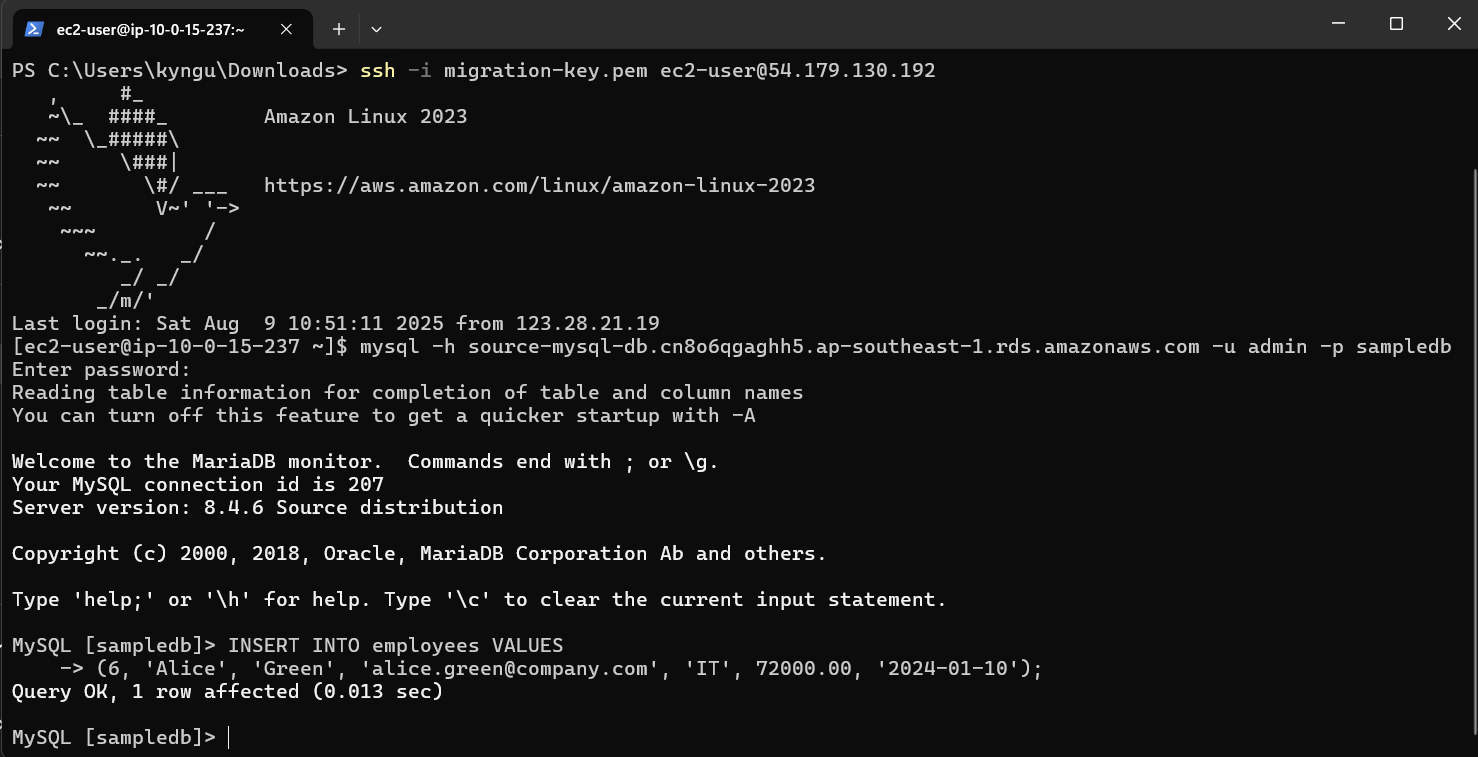
- Open a new terminal and connect to MySQL:
mysql -h [SOURCE-MYSQL-ENDPOINT] -u admin -p sampledb
Enter password: MyPassword123!
- Insert a new record:
INSERT INTO employees VALUES
(6, 'Alice', 'Green', 'alice.green@company.com', 'IT', 72000.00, '2024-01-10');
- Result:
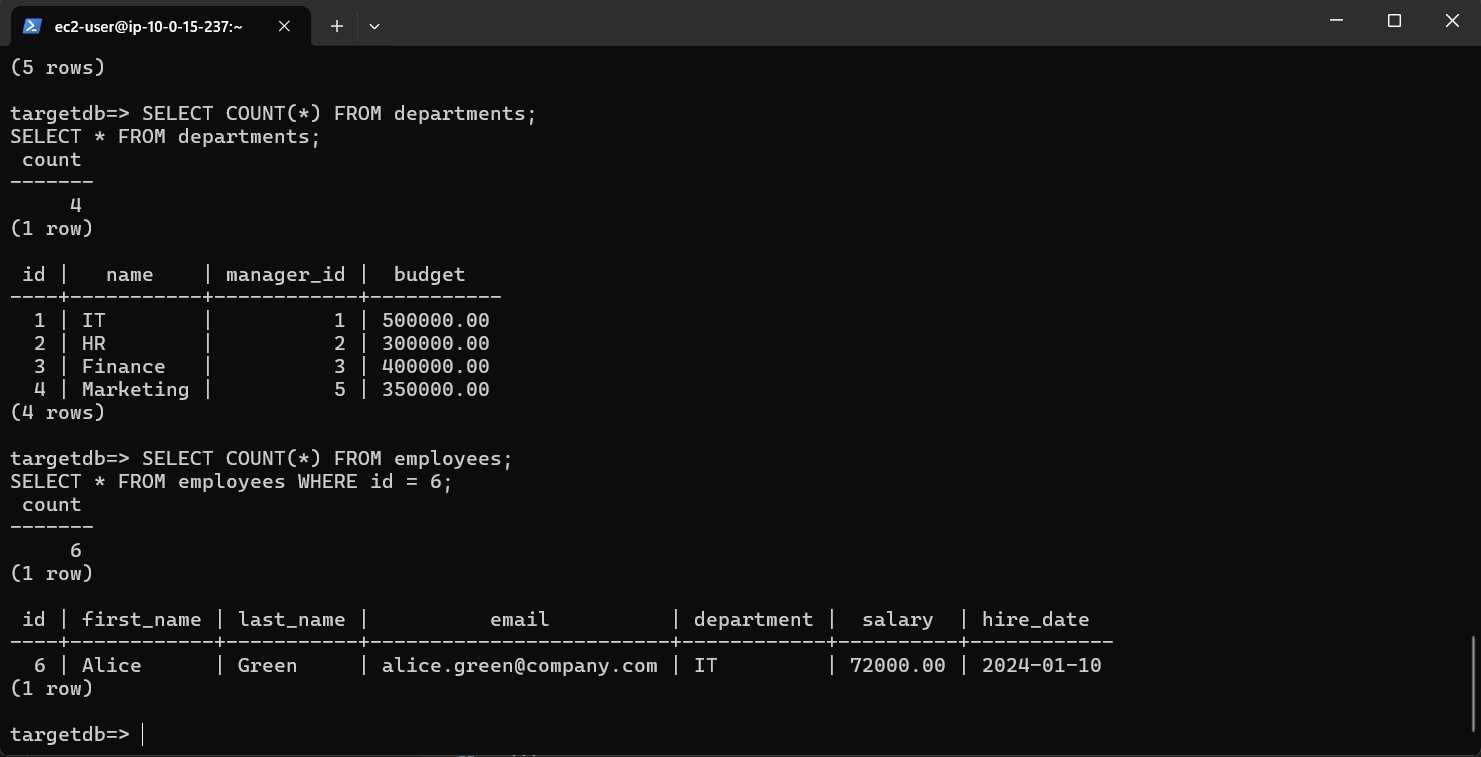
- Go back to PostgreSQL and check:
SELECT COUNT(*) FROM employees;
SELECT * FROM employees WHERE id = 6;
- Result: