Build an Automated Database Migration Platform with DMS & SCT > Environment Setup > Create VPC and Networking
Create VPC and Networking
Access VPC Console
- Sign in to AWS Console.
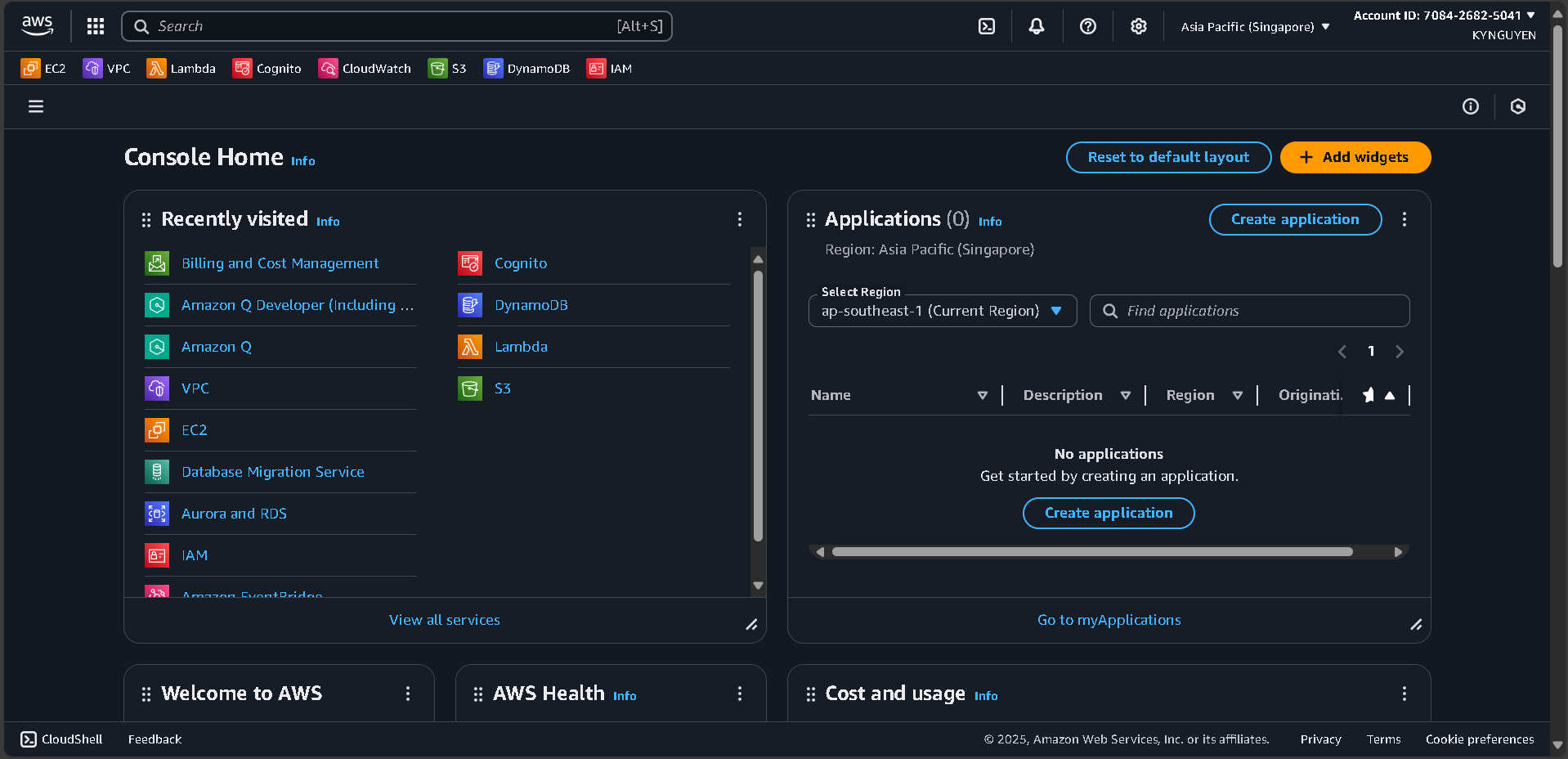
- Search for VPC in the search bar.
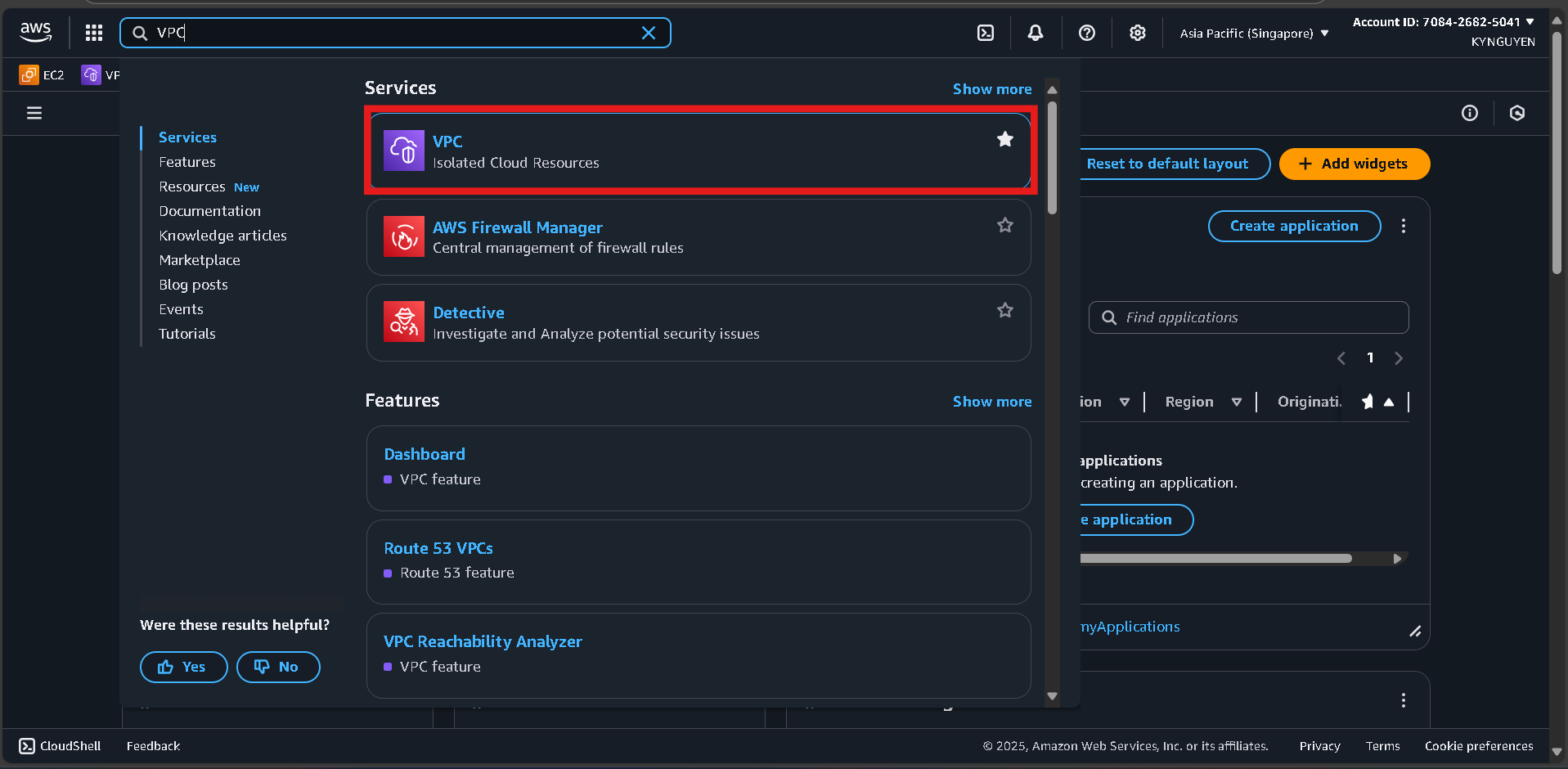
- Click VPC service.
Create a New VPC
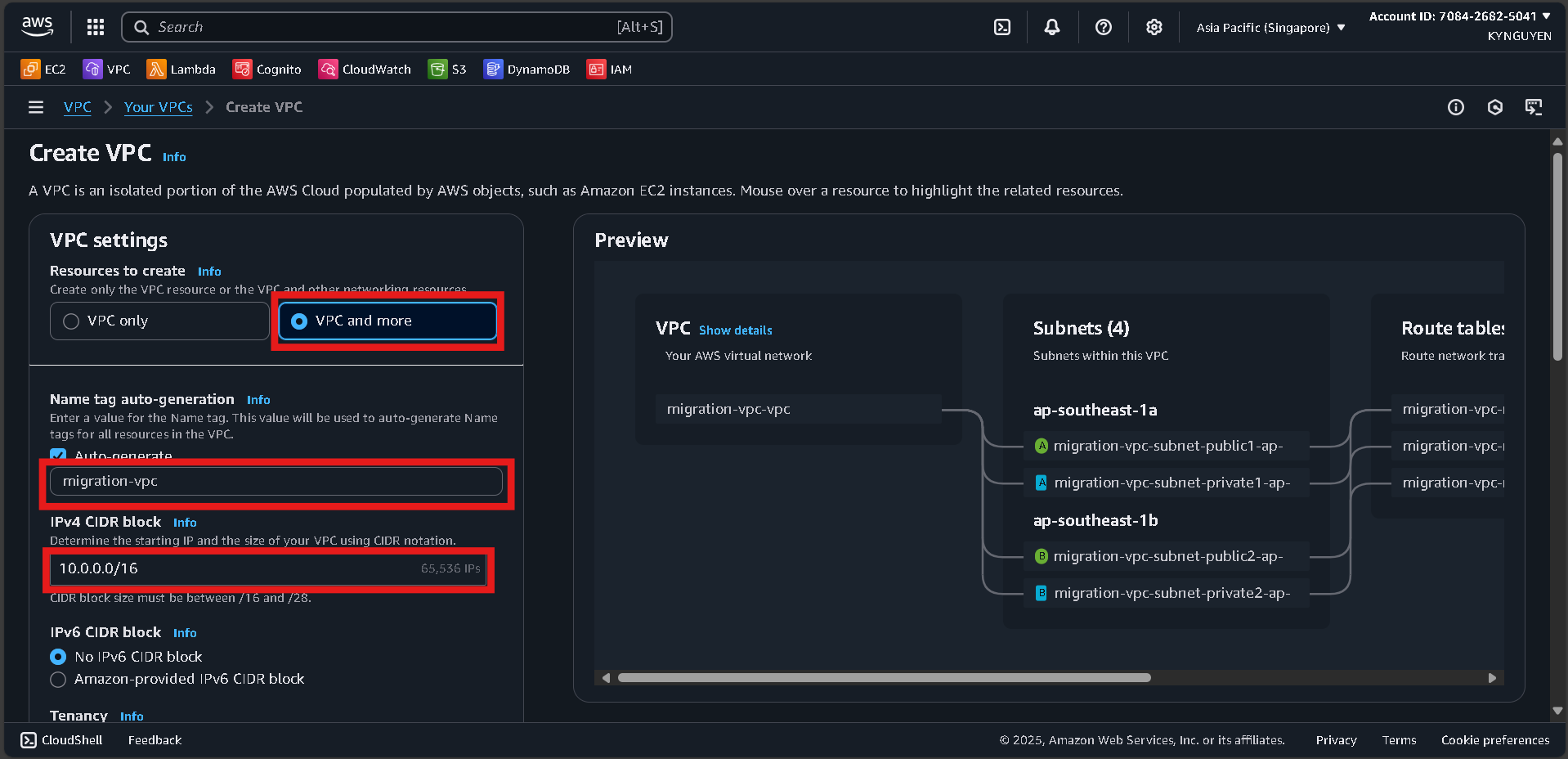
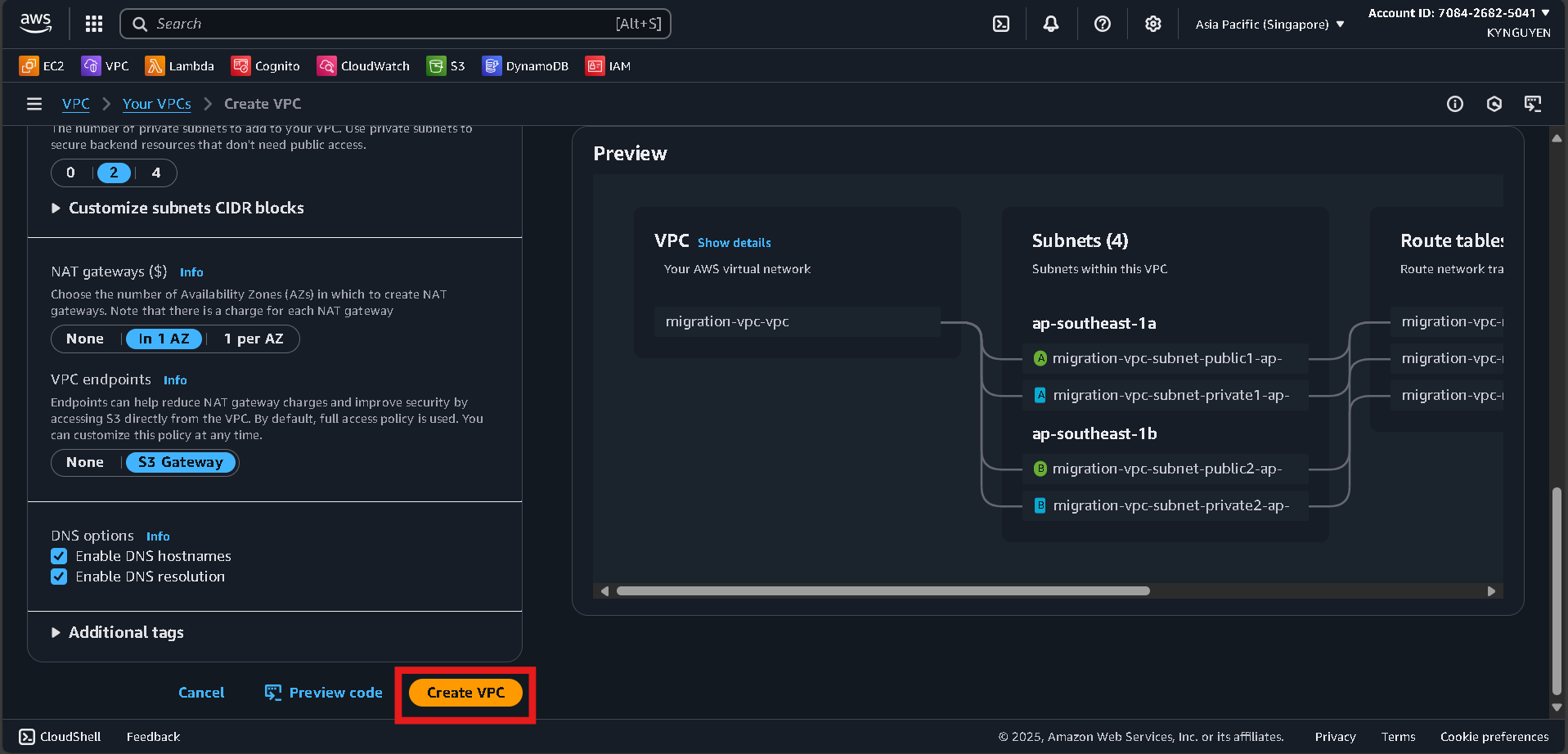
- Click Create VPC → select VPC and more.

- Configure:
- Name tag:
migration-vpc - IPv4 CIDR:
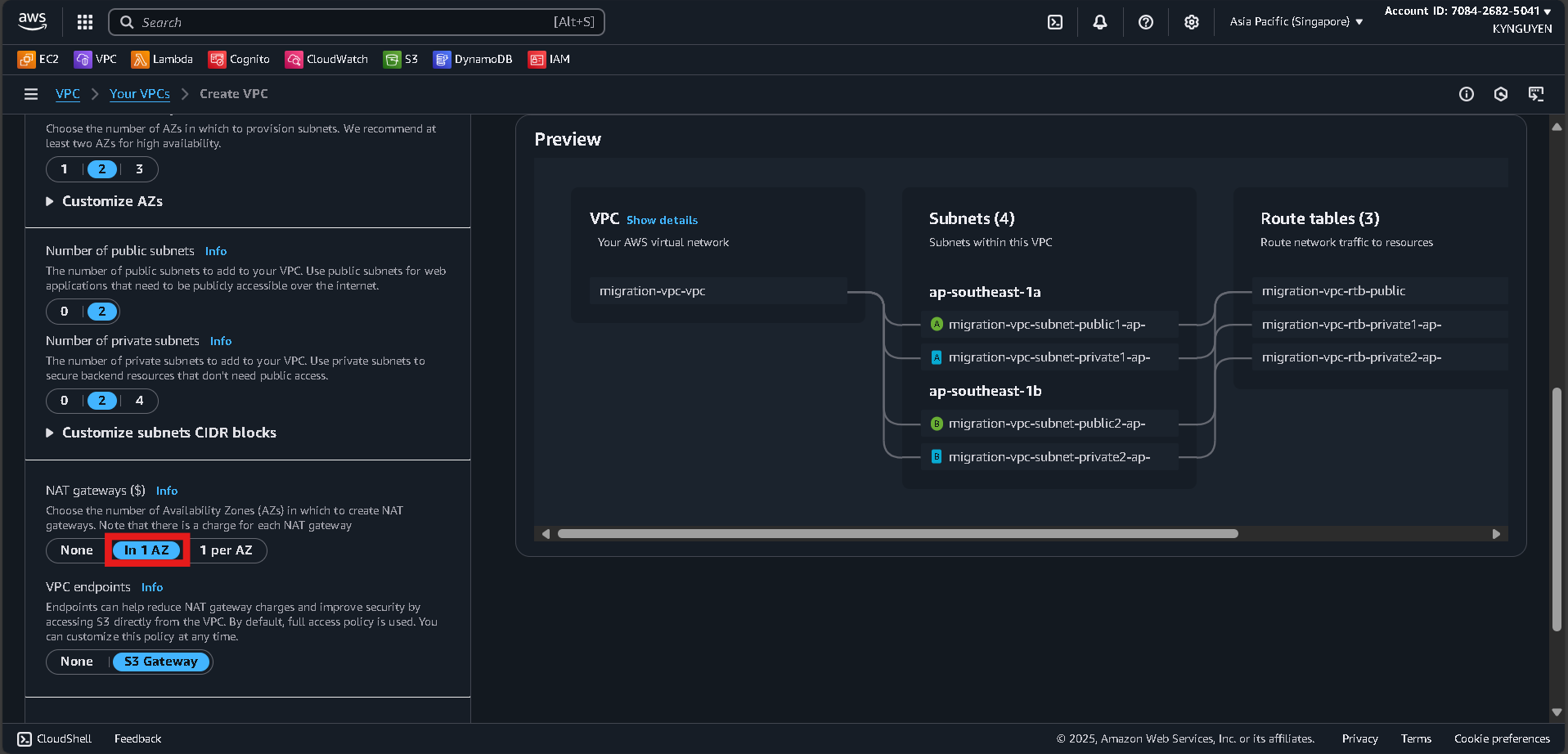
10.0.0.0/16 - Number of AZs:
2 - Public subnets:
2 - Private subnets:
2 - NAT gateways:
In 1 AZ - VPC endpoints:
None
- Name tag:
- Click Create VPC and wait ~5 minutes.
Notes
- VPC ID:
vpc-xxxxxxxxx - Public Subnet 1:
subnet-xxxxxxxxx - Public Subnet 2:
subnet-xxxxxxxxx - Private Subnet 1:
subnet-xxxxxxxxx - Private Subnet 2:
subnet-xxxxxxxxx